Scan
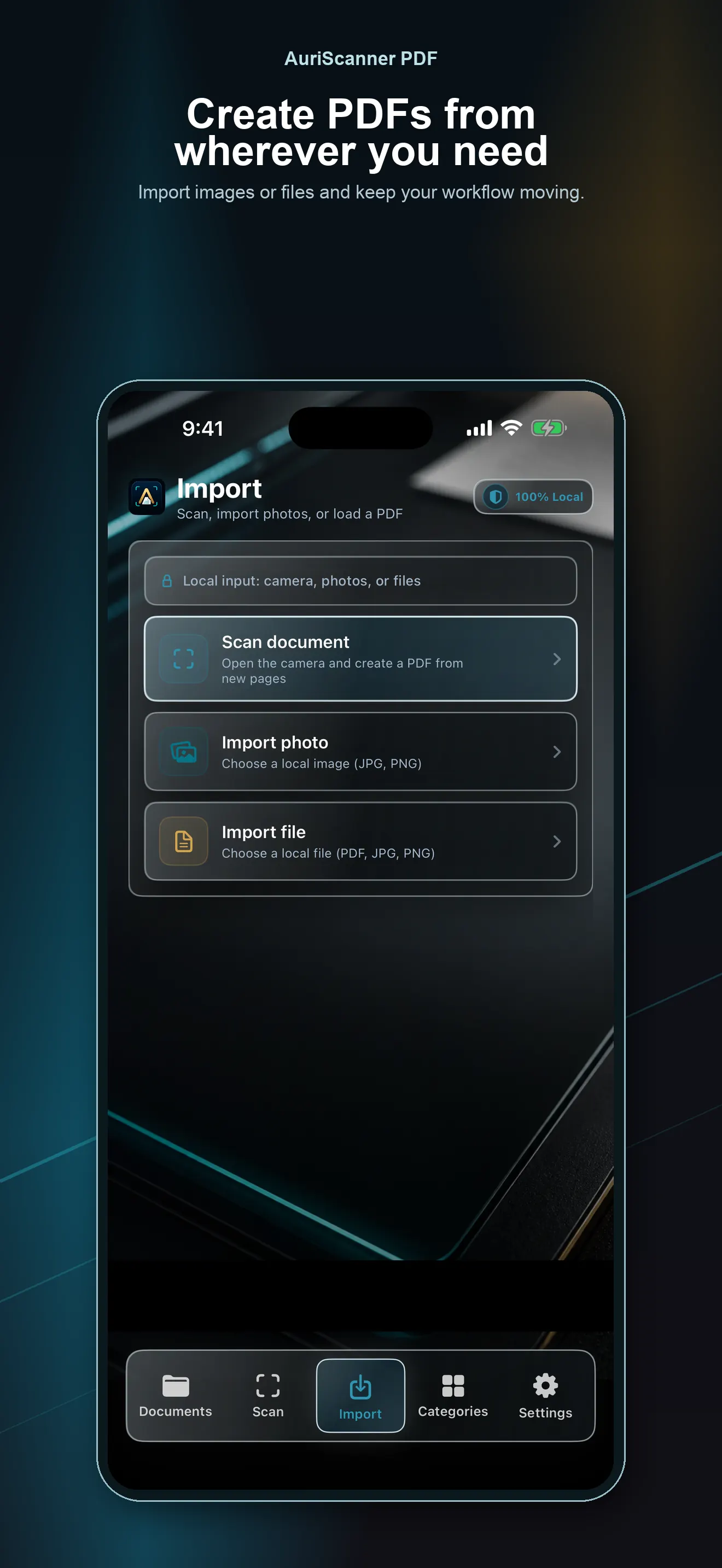
Capture documents with the camera or import images and files from your device.
Scan receipts, notes, and other documents and save them as PDFs on your iPhone. No account needed. You choose when to share them or save a copy elsewhere.
It's that simple
Capture documents with the camera or import images and files from your device.
Adjust, crop, reorder, and improve pages before saving the final PDF.
Organize by category, save a copy, and share when you need to.
Your choice
Receipts, notes, or work documents: keep your PDFs together without creating an account. Save them on your iPhone, then choose when to share them or keep a copy elsewhere.
Find recent documents, sort by category, and keep important files close.
Create files ready to send, archive, or back up without unnecessary steps.
You decide when to export a PDF, a backup, or an entire category.